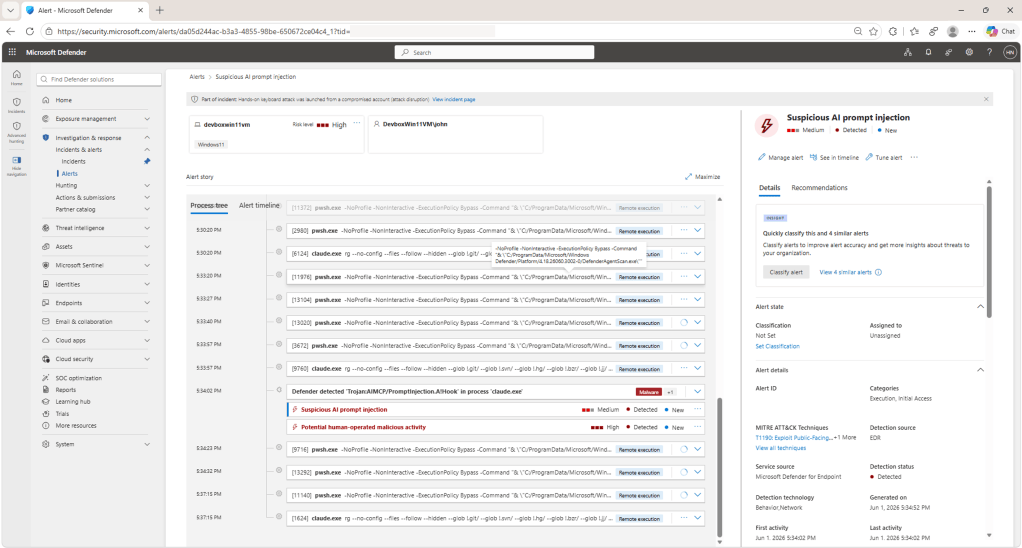

How can you protect against prompt injection attacks against local AI agents on devices? Well, Intune now has a policy template for Defender’s AI agent runtime protection (in Preview).
In Intune > Endpoint security > Antivirus, create a Windows policy and choose Microsoft Defender AI agent runtime protection. Set AI Agent Protection to Audit and assign a small test device group. Then check Effective settings on the device page in the Defender portal.
Watch out for the scope of that template. It configures agent-native event inspection. Network inspection needs a separate PowerShell platform script through Intune.
I wouldn’t tick the first setting and assume every local AI application was covered.
The prerequisites need attention too. Devices must be onboarded to Defender, with antivirus in active mode and real-time protection enabled. During preview, Microsoft directs test devices to the Beta Channel for platform and engine updates. Keep that on the test ring.
Licensing requires Microsoft Defender for Endpoint Plan 2, Microsoft 365 E5, Microsoft Agent 365, or Microsoft 365 E7, plus Intune for this deployment route.
https://learn.microsoft.com/en-us/defender-endpoint/configure-ai-agent-runtime-protection